Add Metadata Fields (Growth Plan)
 | Note: Metadata Fields feature differ between the Growth and Enterprise plans. This article covers metadata fields in the Growth Plan. For information about metadata fields in the Enterprise Plan, see Manage Metadata Fields (Enterprise Plan). |
How do I add a new metadata fields?
01. Access the Admin Module
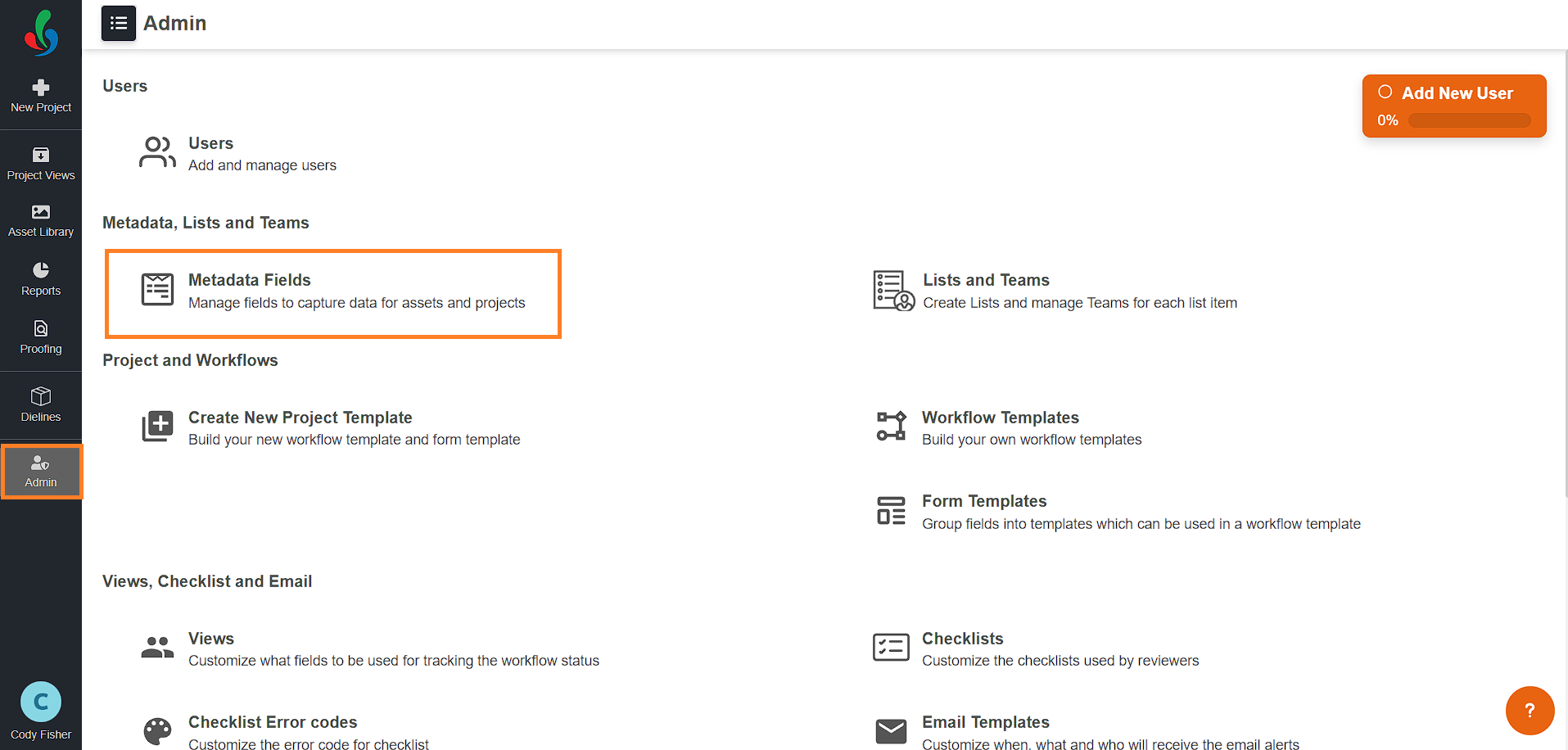
- Log in to your ManageArtworks account.
- Navigate to the Admin module located on the left-hand side of the interface.
- Click the Metadata Fields tab.
02. Add Metadata Fields
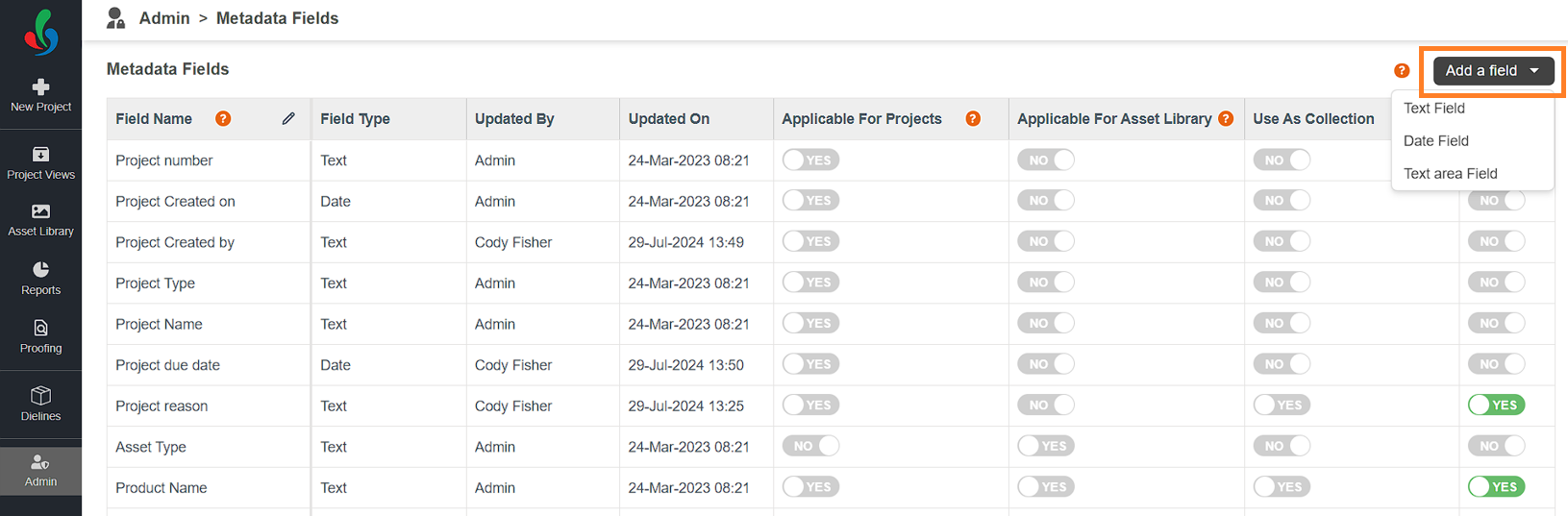
- Add new fields by clicking the "Add a Field" button in the upper right corner of the screen.
- Choose from three field types to suit your data needs:
- Text Field: Ideal for fields with character limits.
- Text Area Field: Perfect for lengthy descriptions requiring ample space.
- Date Field: Specifically designed for capturing date-related information.
Note: The maximum field limits: 3 Text Fields, 1 Date Field, and 1 Text Area Field.