---
title: "Sign In to the ManageArtworks Plugin"
url: "https://help.manageartworks.com/en/article/sign-in-to-the-manageartworks-plugin"
language: "en"
last_updated: "2026-09-24T05:39:30.500Z"
---
# Sign In to the ManageArtworks Plugin
Users sign in with their ManageArtworks account to reach copy sheets, dielines, the Asset Library and their assigned tasks from inside Adobe Illustrator or InDesign. One sign-in in the plugin covers everything the plugin shows, so no separate sign-in in a browser is needed.
| ###  | **Note:**
- Make sure plugin is connected to a ManageArtworks server. For more information, refer to [Open and Set Up the Plugin](https://help.manageartworks.com/en/article/open-and-set-up-the-plugin).
- Make sure you have an ManageArtworks account. The plugin uses the same email address and password as the ManageArtworks web application. |
| --- | --- |
## 01\. Open the Sign-In Screen
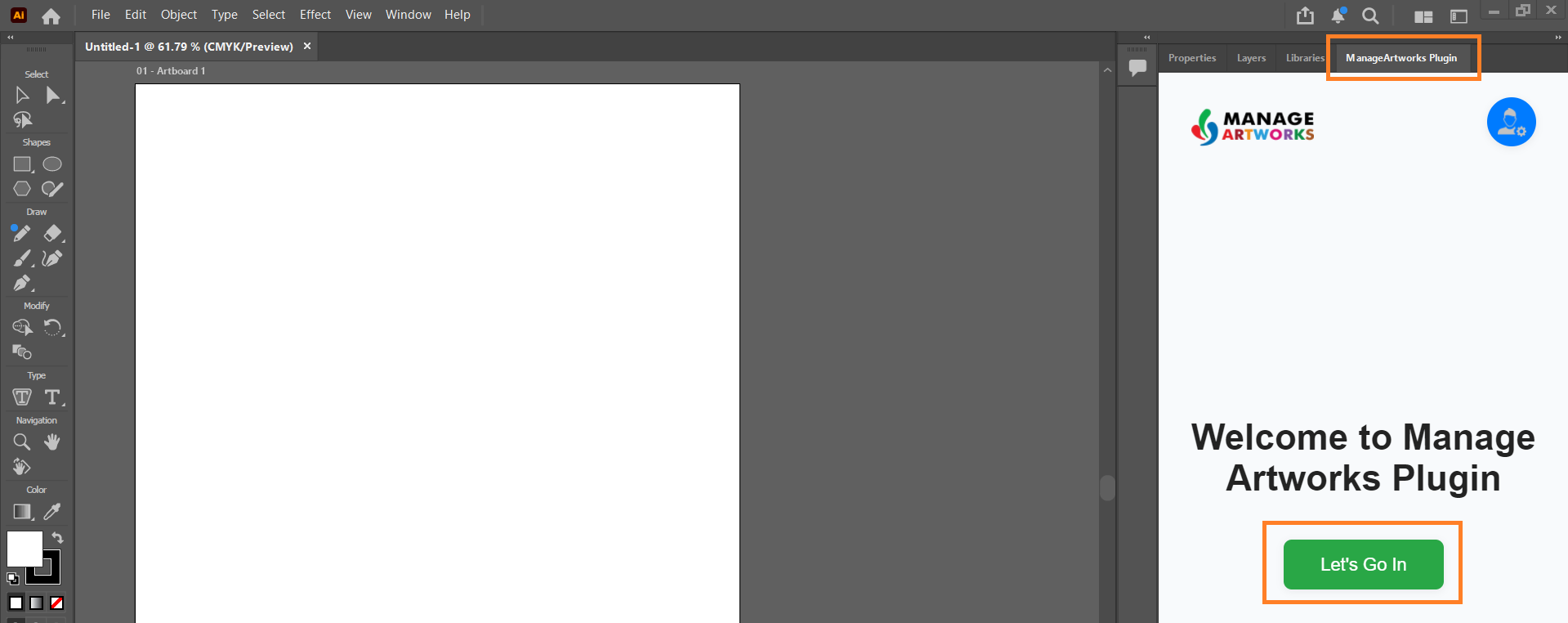
1. Open the plugin panel in Adobe Illustrator or Adobe InDesign.
2. Select **Let's Go In** on the welcome screen.
## 02\. Enter Your Credentials
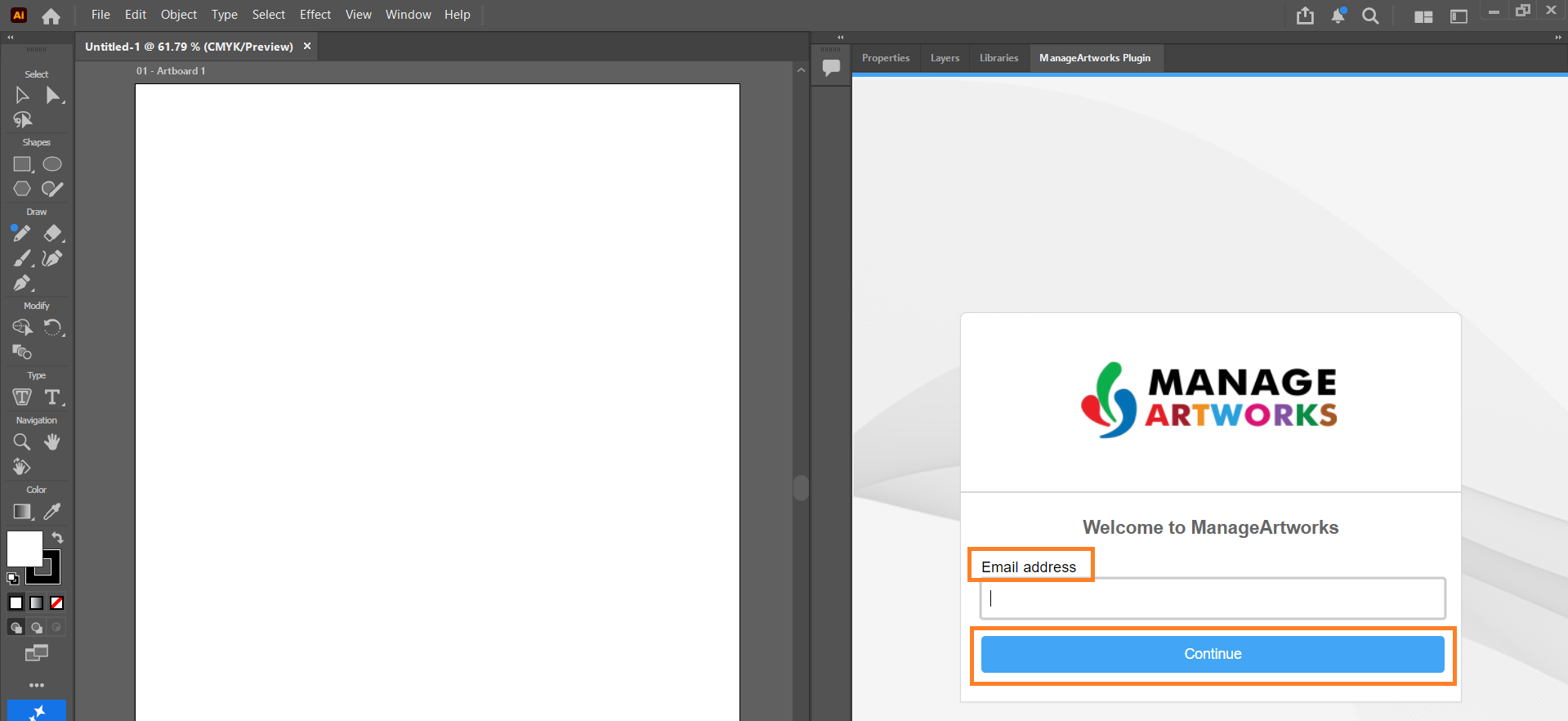
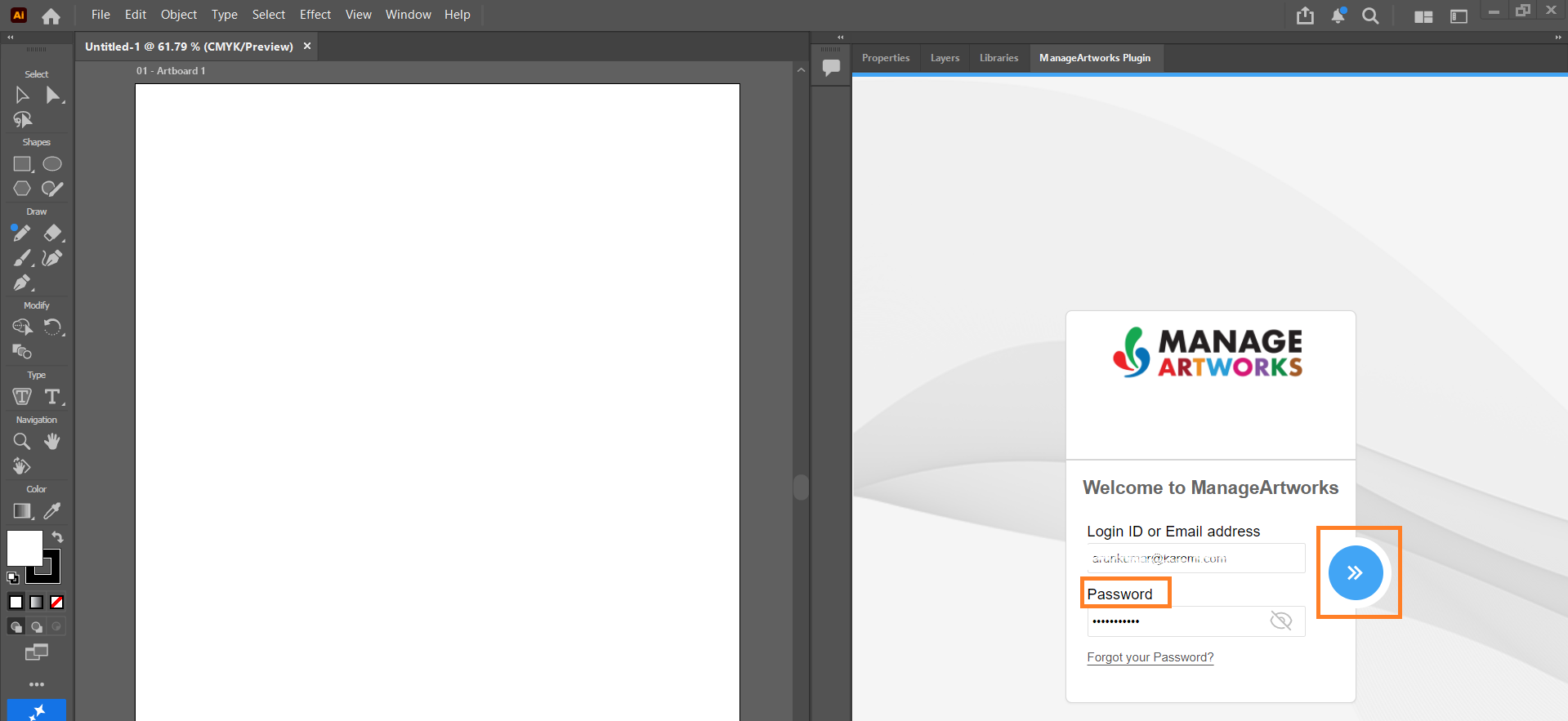
1. Enter your **email address** and select **Continue**.
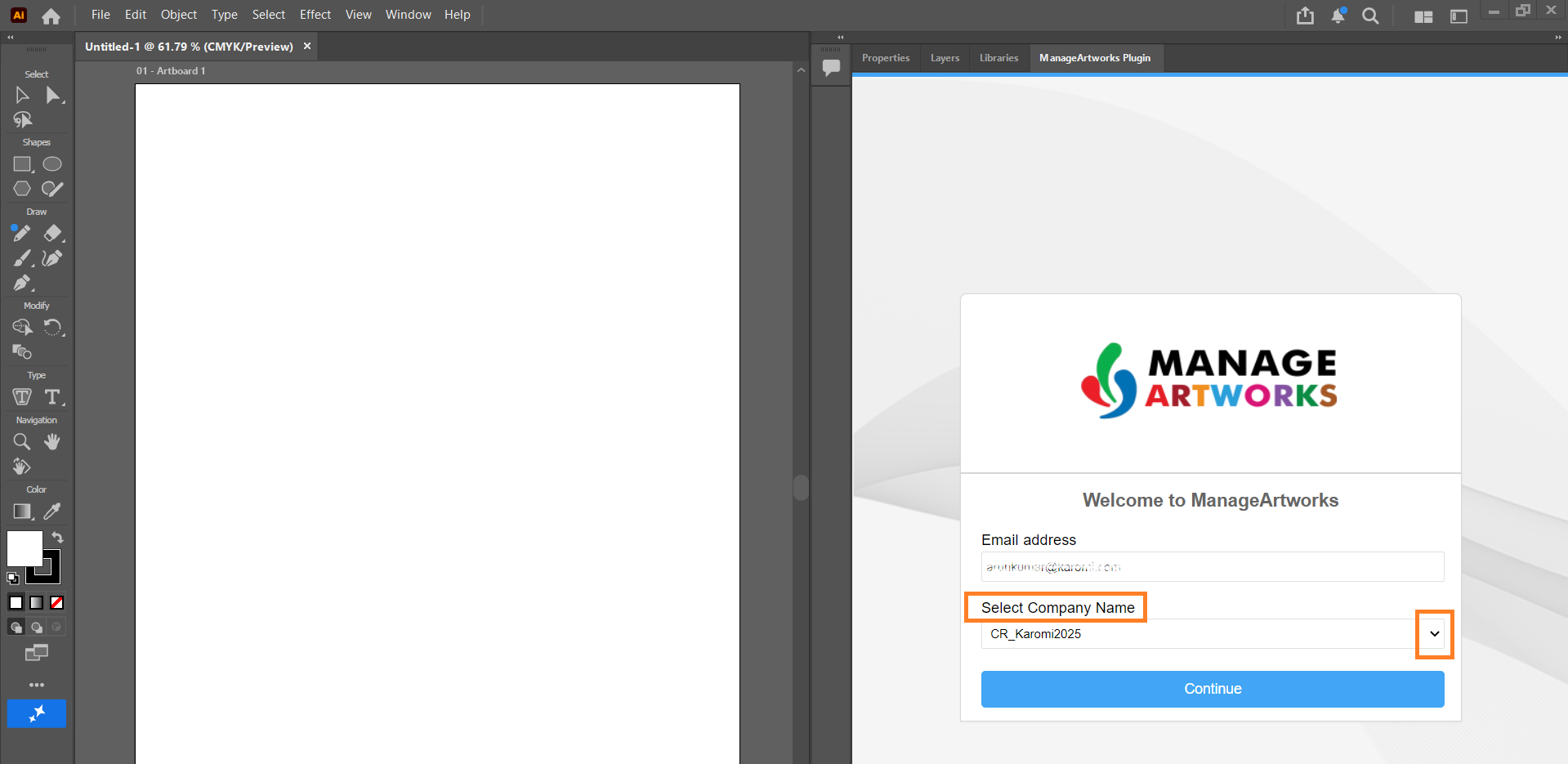
2. If your email address is registered with more than one company, select the required **Company ID**.
3. Enter you **password** and select the **›› Sign In** button.
**Note:** If you see the message *"You are logged in elsewhere. Log out from there and log in here,"* select [**here**](https://help.manageartworks.com/en/article/restricting-users-to-one-active-session#handling-active-session-warning) to learn more.
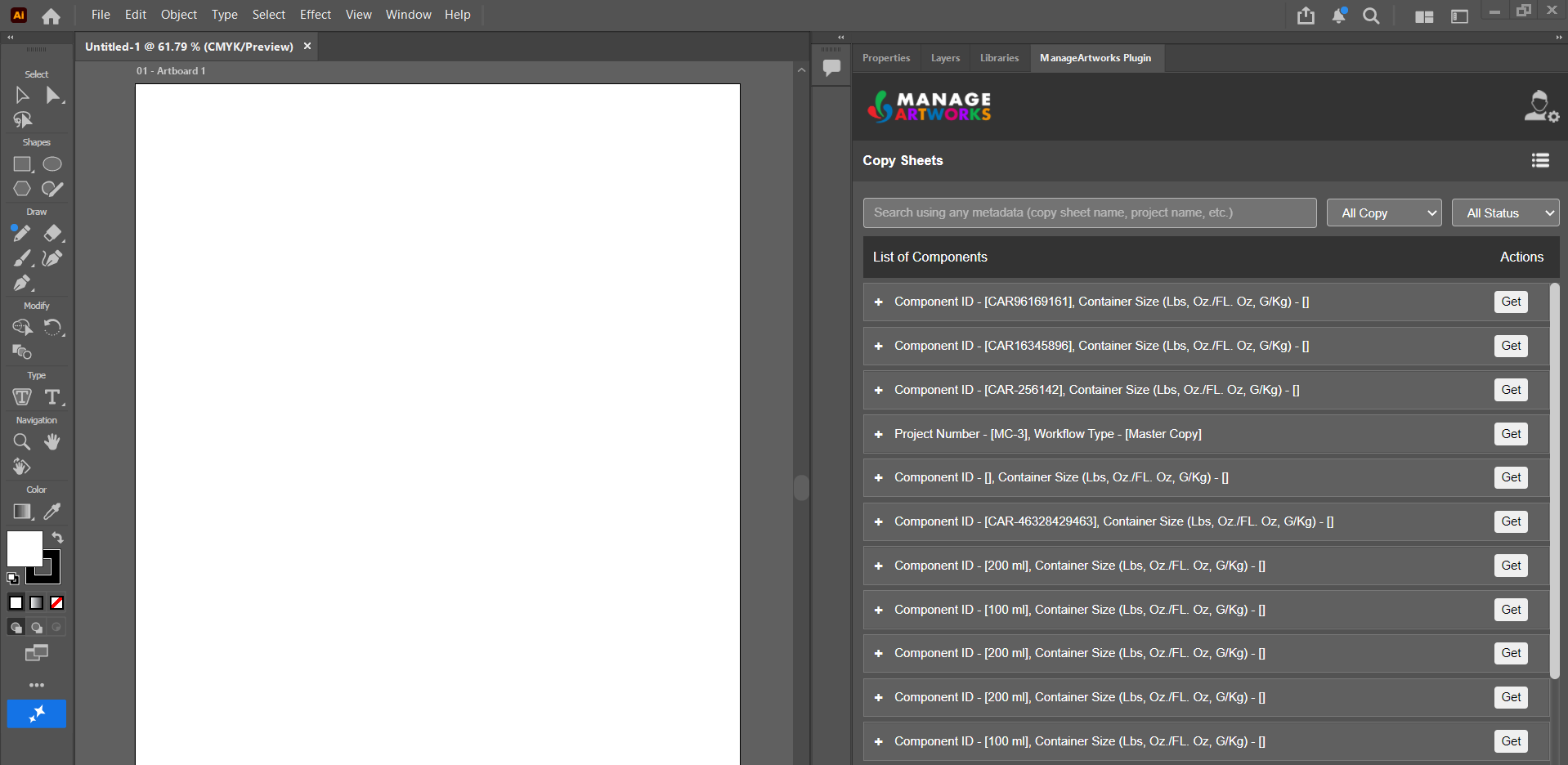
4. The plugin displays all published and in-progress **Component Copy** and **Master Copy** from every Copy project.